

A fast WordPress site is rarely the result of one plugin or one server switch. Sustainable performance comes from a sequence of small engineering decisions: measure the page, remove unnecessary work, optimize the assets that remain, and only then add caching where it has a clear purpose.
1. Measure before changing anything
Start with a repeatable baseline. Check which pages feel slow, how many requests they make, which images dominate the transfer size, whether the server response is consistently slow, and whether JavaScript is delaying useful content. A homepage, article page and product or service page often behave differently, so testing only one URL can hide the real bottleneck.
The goal of measurement is not to chase a perfect score. It is to identify where time and bytes are being spent so each optimization has a reason.
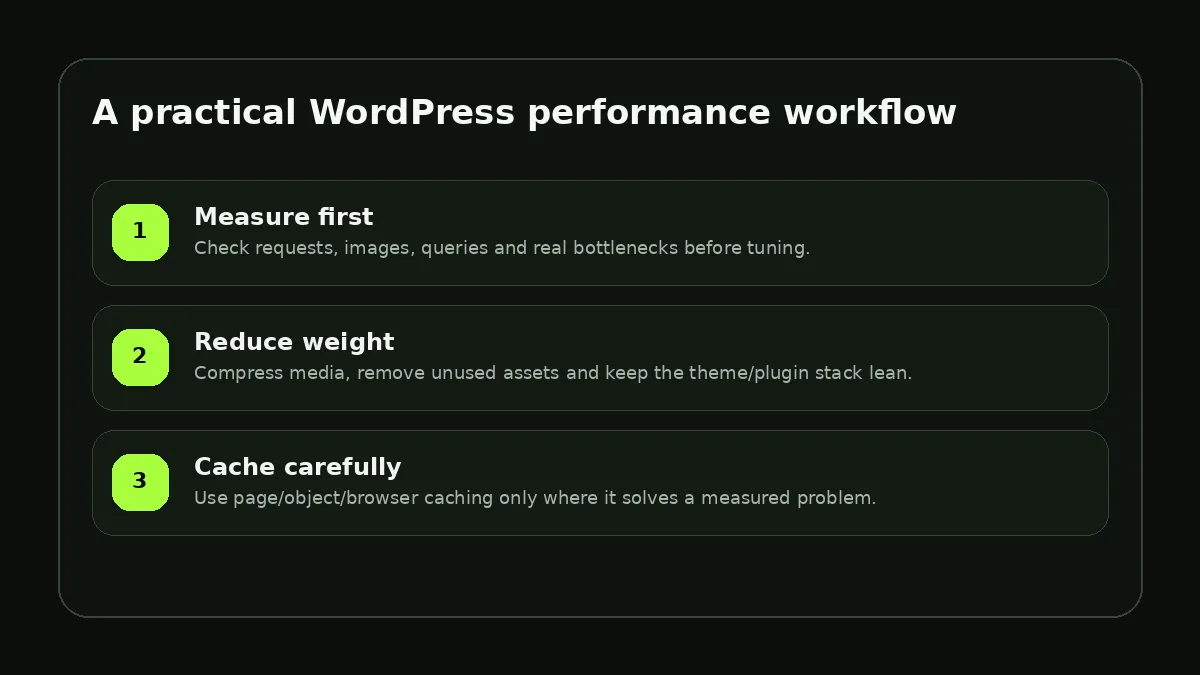
2. Reduce page weight before adding complexity
Images are often the easiest place to recover performance. Resize them close to the dimensions they are actually displayed at, use modern formats where appropriate, avoid loading giant hero images on small screens, and lazy-load media that starts below the fold.
Next, inspect the theme and plugin stack. Every plugin should justify the CSS, JavaScript, database queries and background work it adds. A feature that can be implemented with a small amount of stable code may not need a large dependency.
- Remove plugins and scripts that are no longer used
- Avoid duplicate page-builder or optimization features
- Keep fonts limited to the families and weights the design actually needs
- Delay non-critical third-party scripts when they do not need to run immediately
3. Make database work predictable
WordPress performance is not only a front-end problem. Large option tables, expensive queries, unbounded post lists and poorly designed custom queries can slow the first byte before the browser receives any HTML. Paginate large data sets, query only what the template needs and keep frequently accessed data inexpensive to retrieve.
For custom code, avoid running the same expensive query repeatedly inside a loop. When a query is truly reused and stable, an object cache or application-level cache can help—but caching should support a clean query strategy, not hide a bad one.
4. Cache at the right layers
Page caching can reduce repeated PHP and database work for public pages. Browser caching helps returning visitors reuse static files. A CDN can move static assets closer to visitors. Object caching can help sites that repeatedly query the same data. These layers solve different problems, so turning everything on without understanding the request path can make debugging harder.
After each meaningful change, retest the same pages under similar conditions. The best optimization process is iterative: measure → change one category → verify → keep or revert. That workflow produces a site that is not only faster, but also easier to maintain.